Note: This document was generated by AI. It may not accurately reflect the actual state of the project.
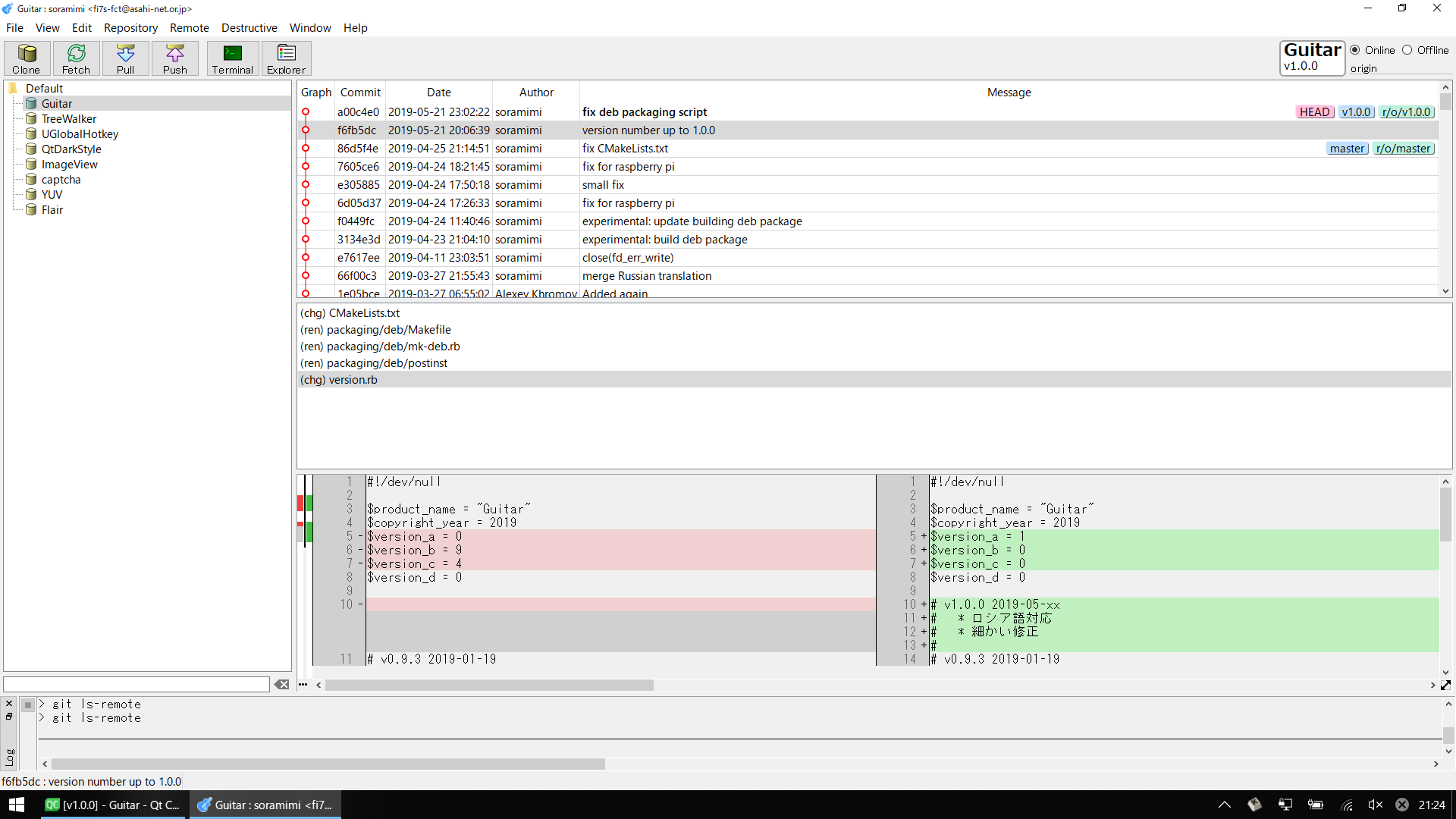
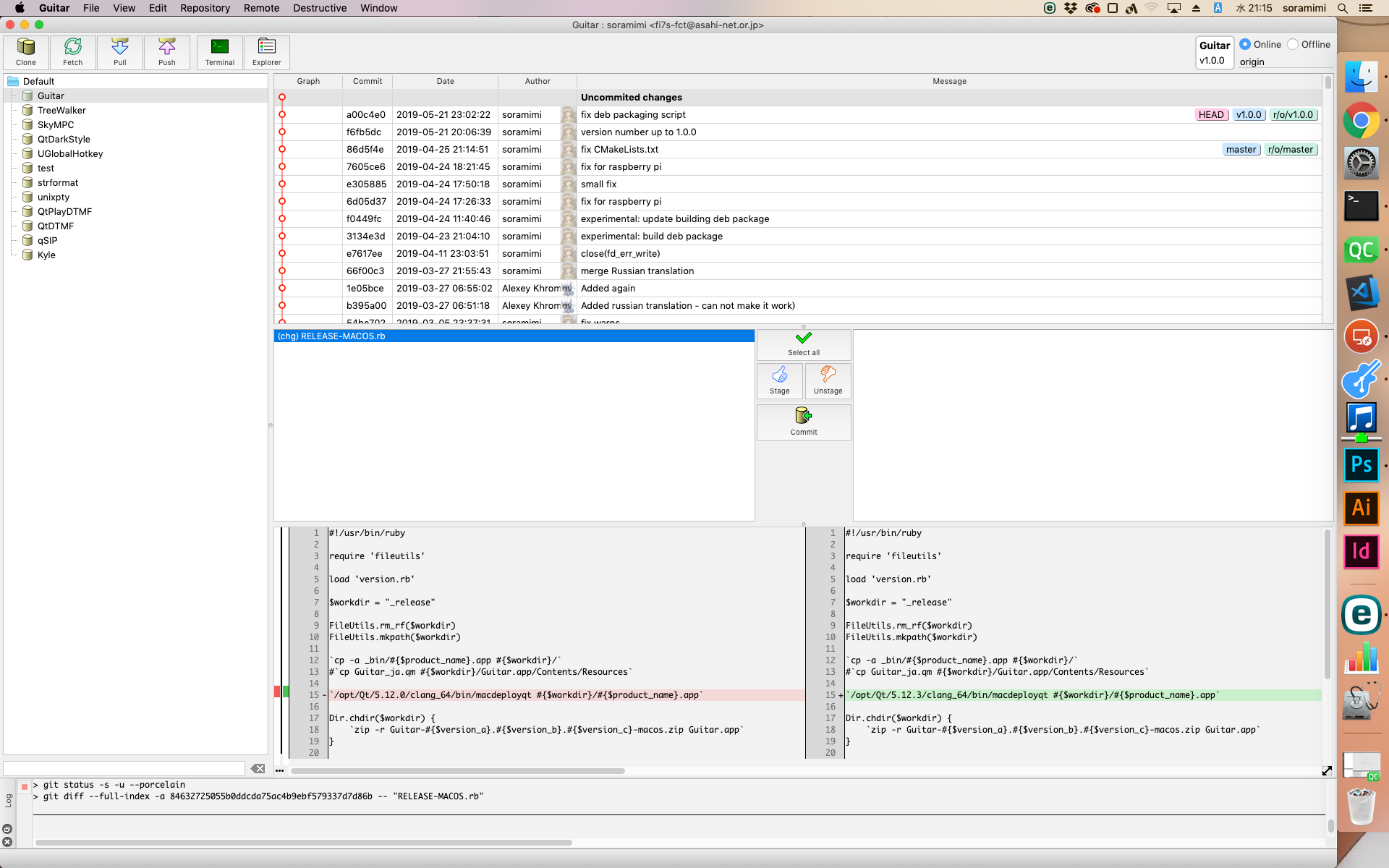
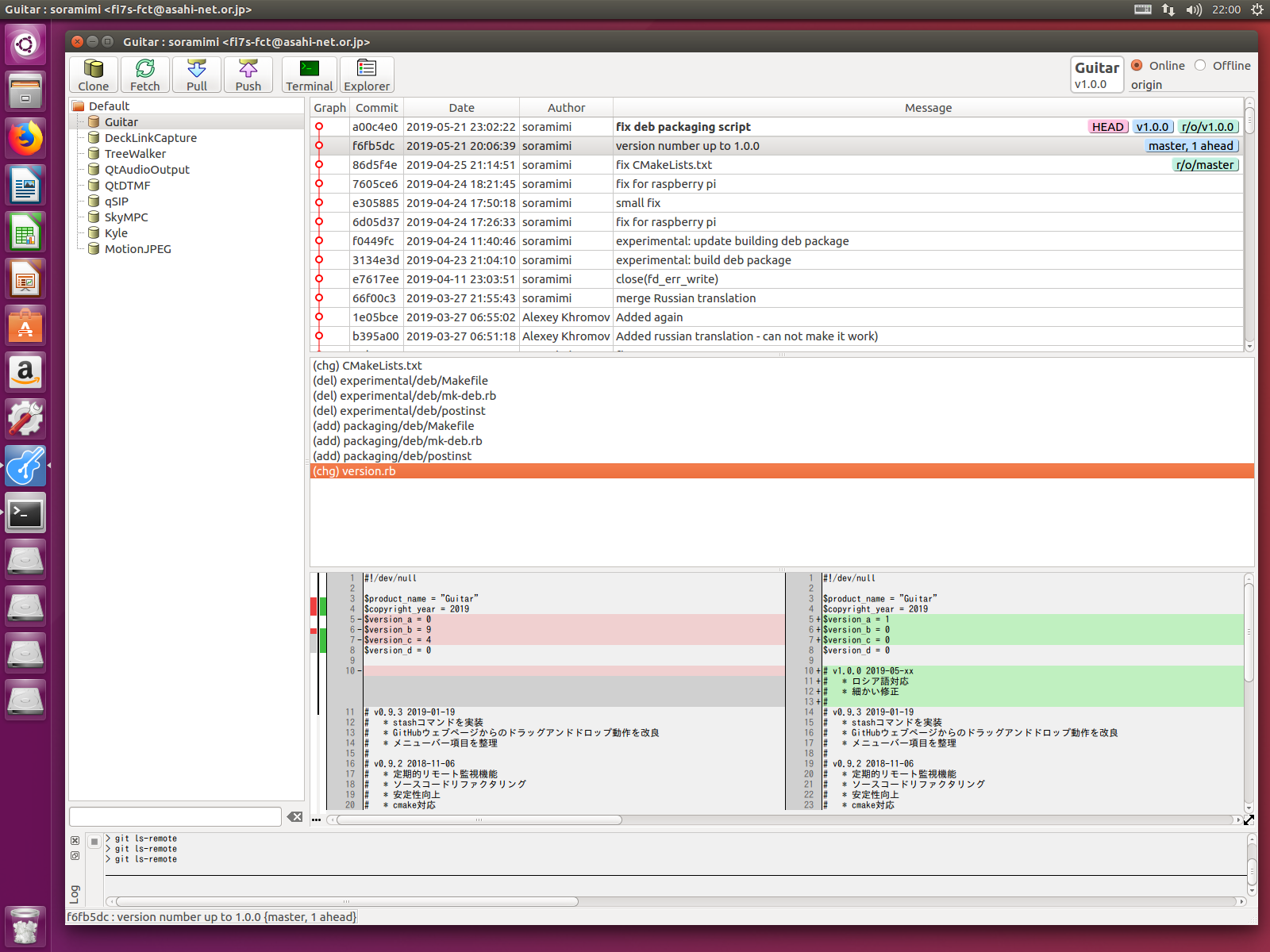
Guitar is a fast, lightweight Git GUI client written in C++ with Qt 6.
It provides an intuitive graphical interface for everyday Git workflows on Windows, macOS, and Linux.
Notice (2026-04-07): There are no plans to release a Mac version in the future. CI and nightly-build have also been discontinued.
(今後mac版をリリースする予定はありません。CIとnightly-buildも廃止されました。)
| License | Open Source, Free Software — GPL v2 (commercial use also free) |
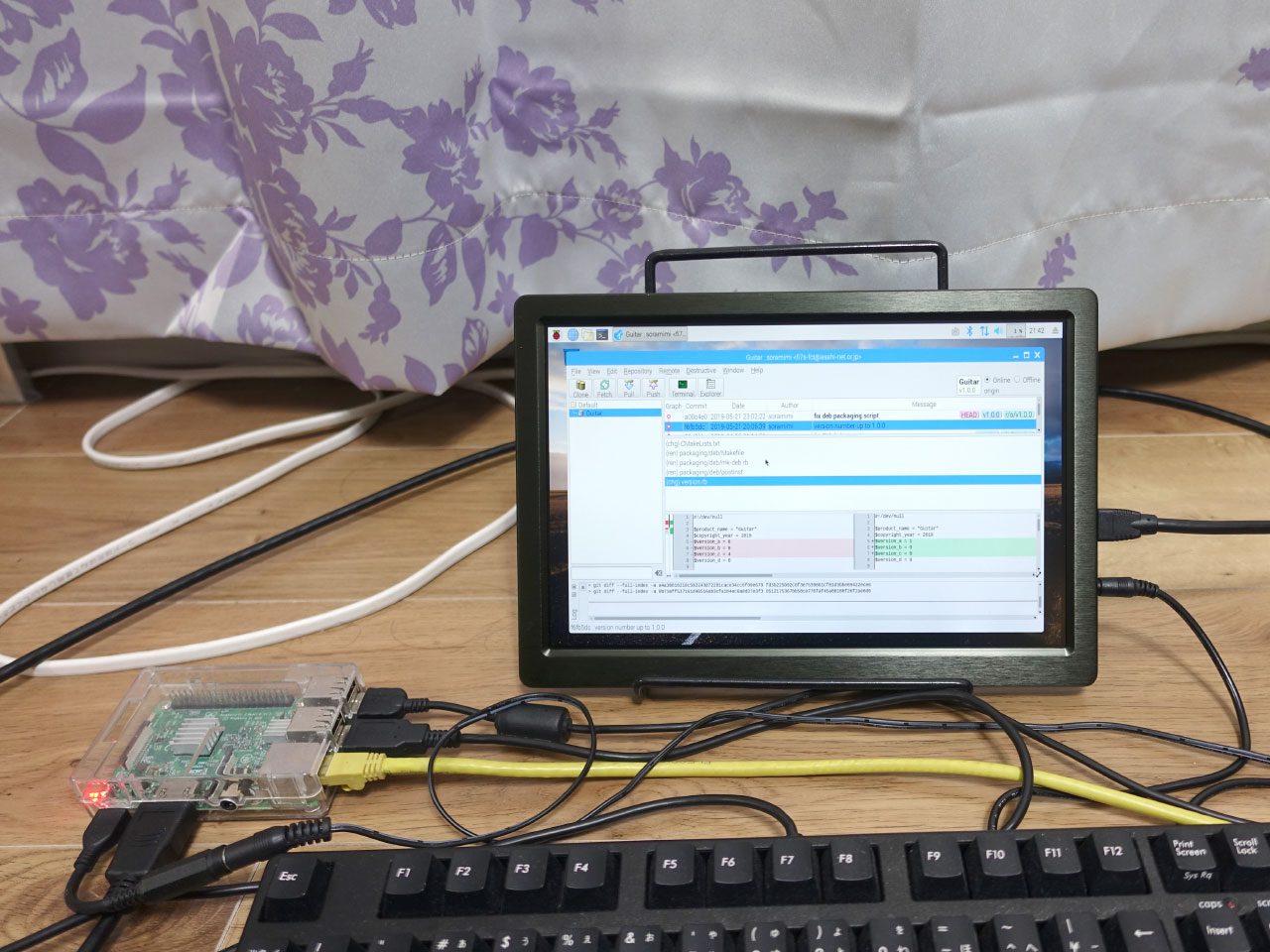
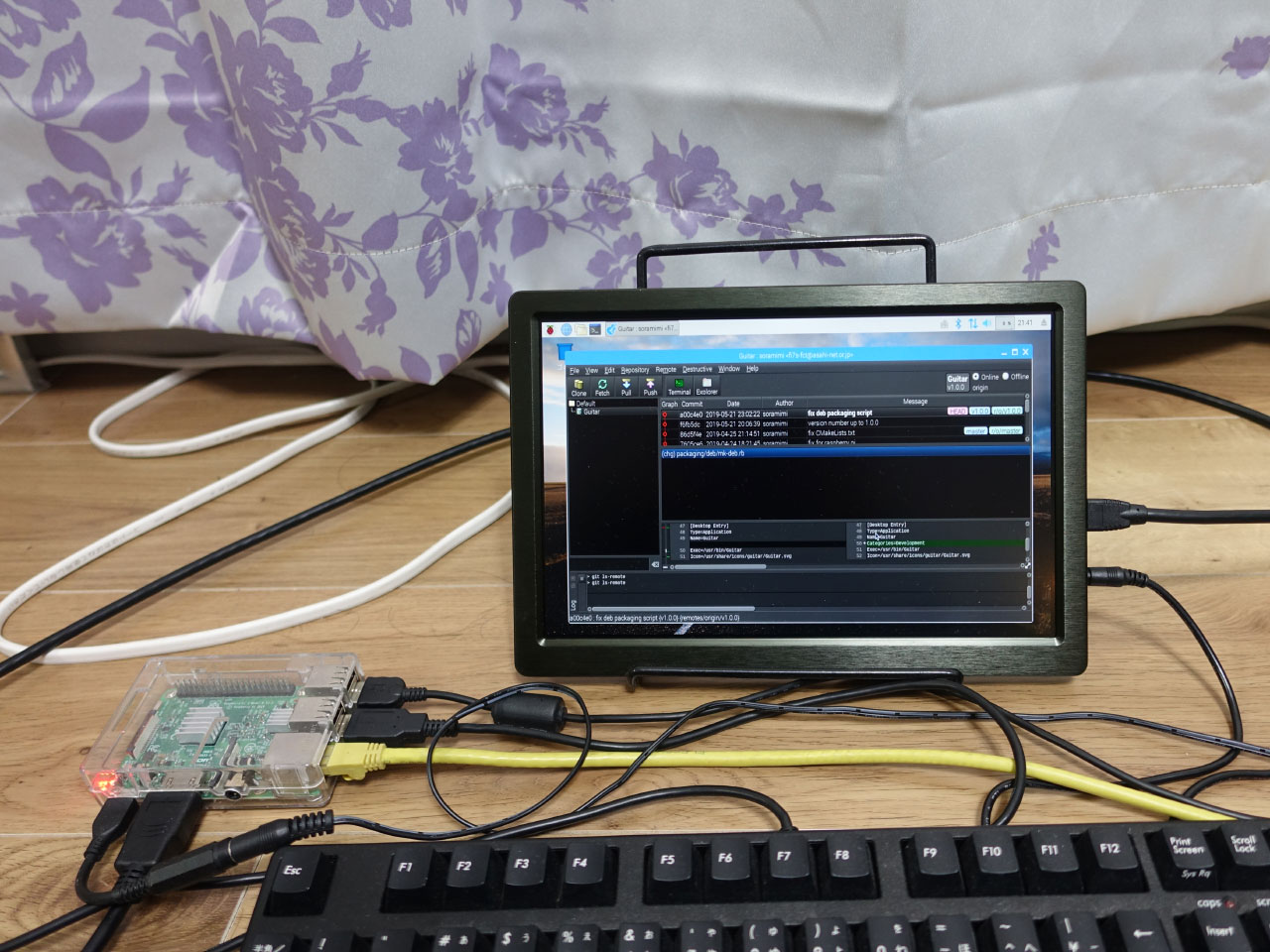
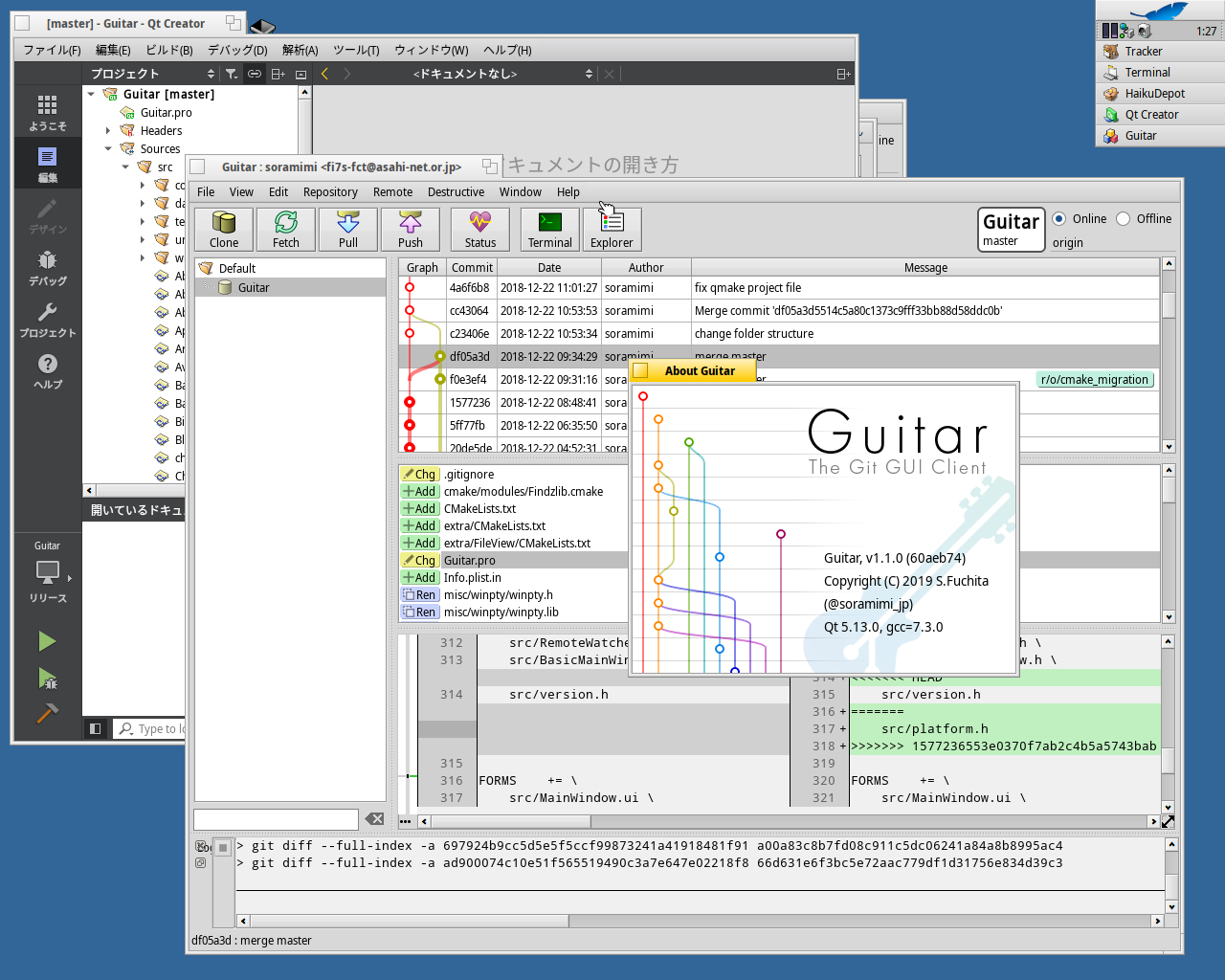
| Platforms | Windows, macOS, Linux, Haiku, Raspbian |
| Language | C++17 |
| Framework | Qt 6 |
- Commit — Stage/unstage files, write commit messages, and commit with a single click
- Branch — Create, checkout, rename, and delete local/remote branches
- Push / Pull / Fetch — Sync with remote repositories; supports
--pruneand push all tags - Merge / Rebase — Merge branches or rebase with abort support
- Cherry-pick — Apply individual commits across branches
- Stash — Stash and restore work in progress
- Reset — Soft and hard reset (
HEAD~1,--hard) - Clone — Clone repositories from URLs or directly from GitHub
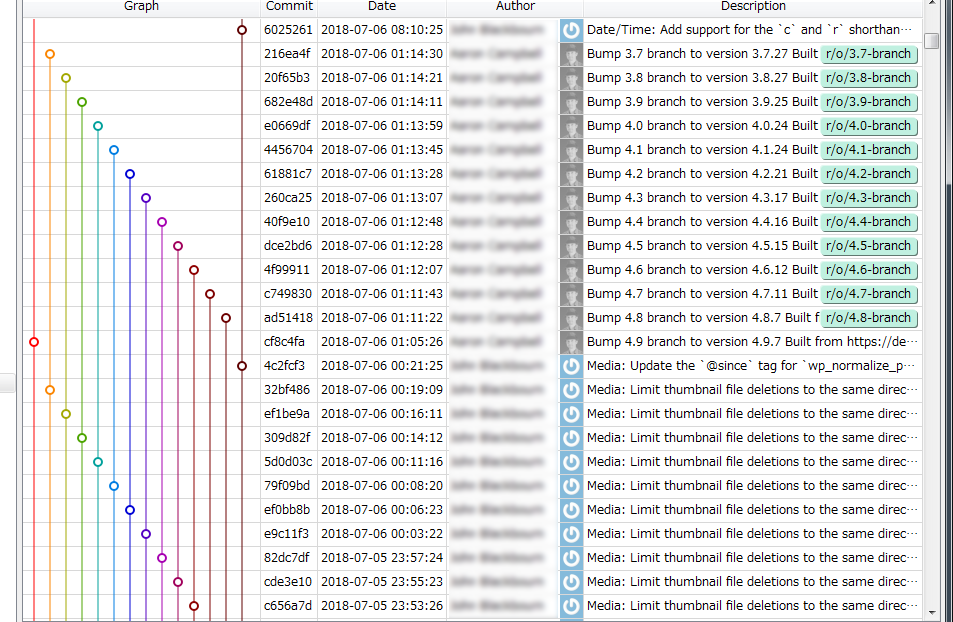
- Commit log with graph — Visual branch/merge graph with author avatars
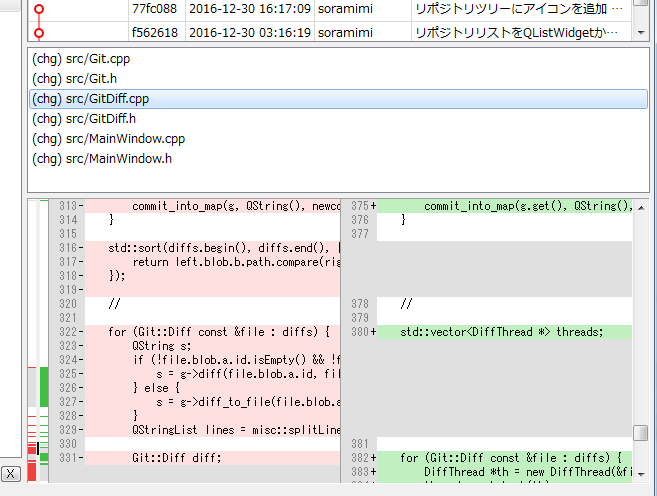
- Diff view — Side-by-side and inline diff display with syntax-aware highlighting
- Blame — Line-by-line blame view with commit details
- File history — Per-file commit history browsing
- Reflog — Full reflog viewer for recovery
- Find commit — Incremental search across commit messages and file contents
- Jump — Quick navigation to any commit by hash
- Multiple repositories — Manage many working copies from a unified sidebar
- Working folders — Organize repositories into named groups
- Submodules — Add and update Git submodules
- Tags — Create, edit, and push tags
- Remotes — Add, edit, and remove remote entries
- Remote branches — Browse and delete remote branches
- GitHub integration — Clone and search repositories from GitHub directly
- SSH support — Connect to remote hosts via SSH with key management
- GPG signing — Sign commits with a GPG key
- AI commit messages — Generate commit messages using a generative AI backend
- Dark theme — Full dark mode support
- Multilingual UI — English, Japanese, Spanish, Russian, Tamil, Chinese (Simplified/Traditional)
- Credential helper config — Manage Git credential helpers from the settings dialog
- Trace logger — Built-in trace/remote logging for debugging