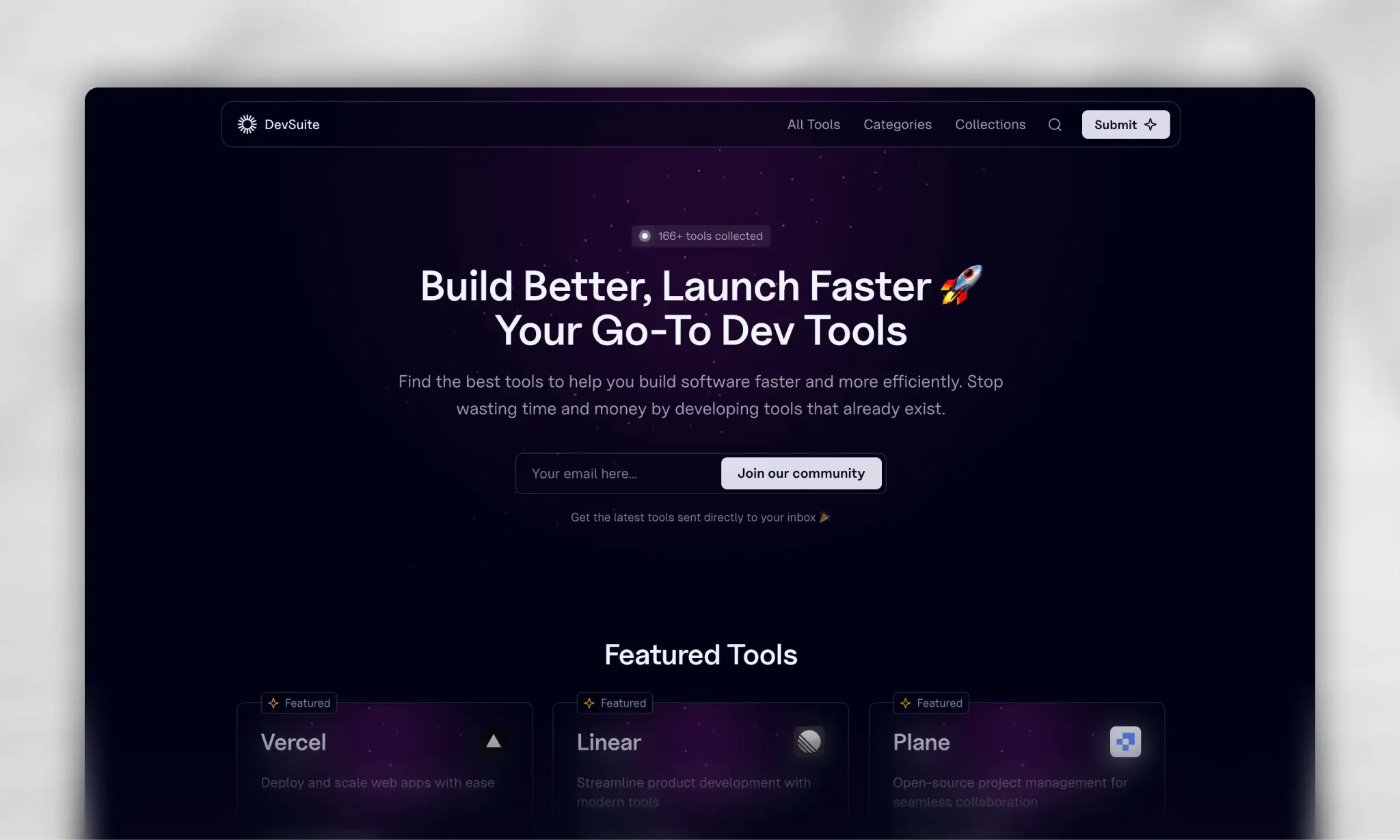
Find the Perfect Developer Tools for Your Next Project
Learn more »
Website
·
Issues




DevSuite is a free, curated collection of the best developer tools designed to improve your productivity when building your next project.
In today's fast-paced tech world, keeping up with the constant stream of new software development tools can be challenging. That's where DevSuite comes in. The mission is simple: to help developers like you find the perfect tools to improve your workflow and bring your ideas to life more efficiently.
DevSuite is more than just a directory; it's a community-driven resource. Feel free to explore, discover, and contribute by submitting your favorite tools to the site. Your input is invaluable in helping to grow and maintain a comprehensive, up-to-date collection.
This project uses Bun as the package manager and runtime. Make sure you have Bun installed before proceeding.
To set up the project for development:
- Clone the repository
- Run
bun installin the root directory to install all dependencies - Set up the required environment variables (see below)
- Run
bun run db:pushto push the Prisma schema to the database - Create symlinks for the .env file (see Environment Variables section)
- Run
bun run devto start the web application in development mode
Refer to the .env.example file for a complete list of required variables.
All commands are run from the root of the project, from a terminal:
| Command | Action |
|---|---|
bun install |
Installs dependencies |
bun run dev |
Starts web app in development mode at localhost:5175 |
bun run build |
Build both apps for production |
bun run start |
Preview production build locally |
bun run lint |
Run linter |
bun run format |
Format code |
bun run typecheck |
Run TypeScript type checking |
bun run db:generate |
Generate Prisma client |
bun run db:studio |
Start Prisma Studio |
bun run db:push |
Push Prisma schema to database |
bun run db:pull |
Pull Prisma schema from database |
bun run db:reset |
Reset Prisma schema |
DevSuite uses the following third-party services:
- Database: Neon
- Analytics: Plausible, PostHog
- Newsletter: Beehiiv
- Background Jobs: Inngest
- File Storage: AWS S3
- Payments: Stripe
- Screenshots: ScreenshotOne
Make sure to set up accounts with these services and add the necessary environment variables to your .env file.
The project is set up for deployment on Vercel.
To deploy manually:
- Build the project:
bun run build - Start the production server:
bun run start
Ensure all environment variables are properly set in your production environment.
DevSuite is licensed under the GPL-3.0 License.