fix(ios): provide fallback accessibility label for images with selectAction#654
Open
hggzm wants to merge 1 commit intomicrosoft:mainfrom
Open
fix(ios): provide fallback accessibility label for images with selectAction#654hggzm wants to merge 1 commit intomicrosoft:mainfrom
hggzm wants to merge 1 commit intomicrosoft:mainfrom
Conversation


…Action

When an image has a selectAction (making it interactive) but no alt text
and no tooltip, VoiceOver could not meaningfully announce the element.
The image was focusable (isAccessibilityElement = YES) and had the button
trait (from setAccessibilityTrait), but without a label VoiceOver would
skip it or just announce 'button' with no context.

Now falls back to the action's title, or 'Image' as a last resort,
ensuring interactive images are always discoverable and identifiable
by VoiceOver users.

Fixes microsoft#171
Collaborator
Author
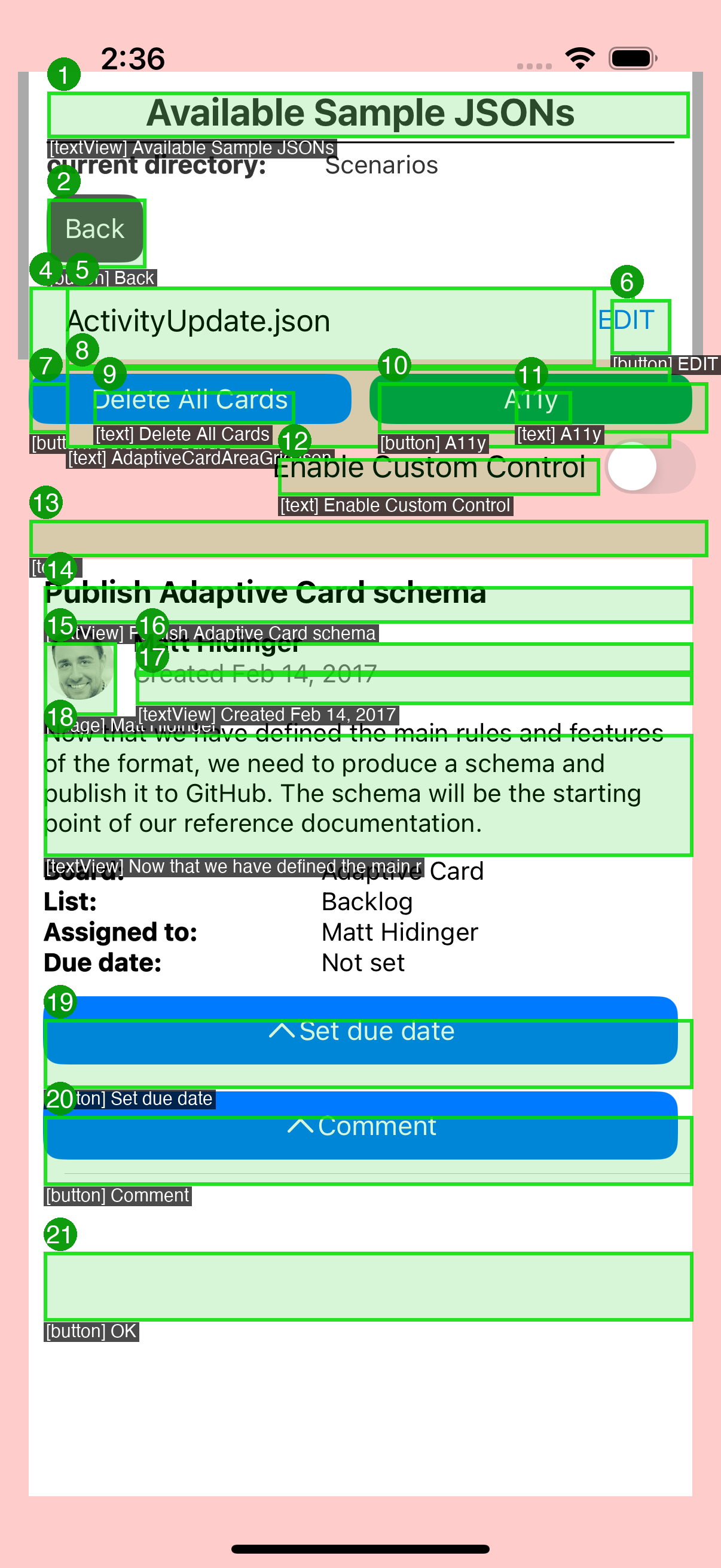
VoiceOver Accessibility ValidationAutomated a11y pipeline validates this fix using real UIAccessibility API data. Annotated A11y Overlay
|
This file contains hidden or bidirectional Unicode text that may be interpreted or compiled differently than what appears below. To review, open the file in an editor that reveals hidden Unicode characters.
Learn more about bidirectional Unicode characters
Sign up for free
to join this conversation on GitHub.
Already have an account?
Sign in to comment
1 participant

Add this suggestion to a batch that can be applied as a single commit.This suggestion is invalid because no changes were made to the code.Suggestions cannot be applied while the pull request is closed.Suggestions cannot be applied while viewing a subset of changes.Only one suggestion per line can be applied in a batch.Add this suggestion to a batch that can be applied as a single commit.Applying suggestions on deleted lines is not supported.You must change the existing code in this line in order to create a valid suggestion.Outdated suggestions cannot be applied.This suggestion has been applied or marked resolved.Suggestions cannot be applied from pending reviews.Suggestions cannot be applied on multi-line comments.Suggestions cannot be applied while the pull request is queued to merge.Suggestion cannot be applied right now. Please check back later.
Fork-based PR (no Azure Pipelines CI). When ready for CI, push branch to upstream as
users/hggzm/clean/fix-image-selectaction-a11y-171and recreate.History: upstream PRs #623 (closed)
Summary
Images with a
selectAction(making them interactive/tappable) but no alt text were not discoverable by VoiceOver. While the image view hadisAccessibilityElement = YESand received the button trait fromsetAccessibilityTrait, it had no accessibility label, so VoiceOver would announce just "button" with no context about what the element does.Changes
selectActionbut neither alt text nor a tooltip, the renderer now uses the action's title as the accessibility label. If the action also has no title, it falls back to "Image" as a generic label.Before
VoiceOver announces: "button" (or skips the element entirely)
After
VoiceOver announces: "[action title], button" or "Image, button"
Testing