


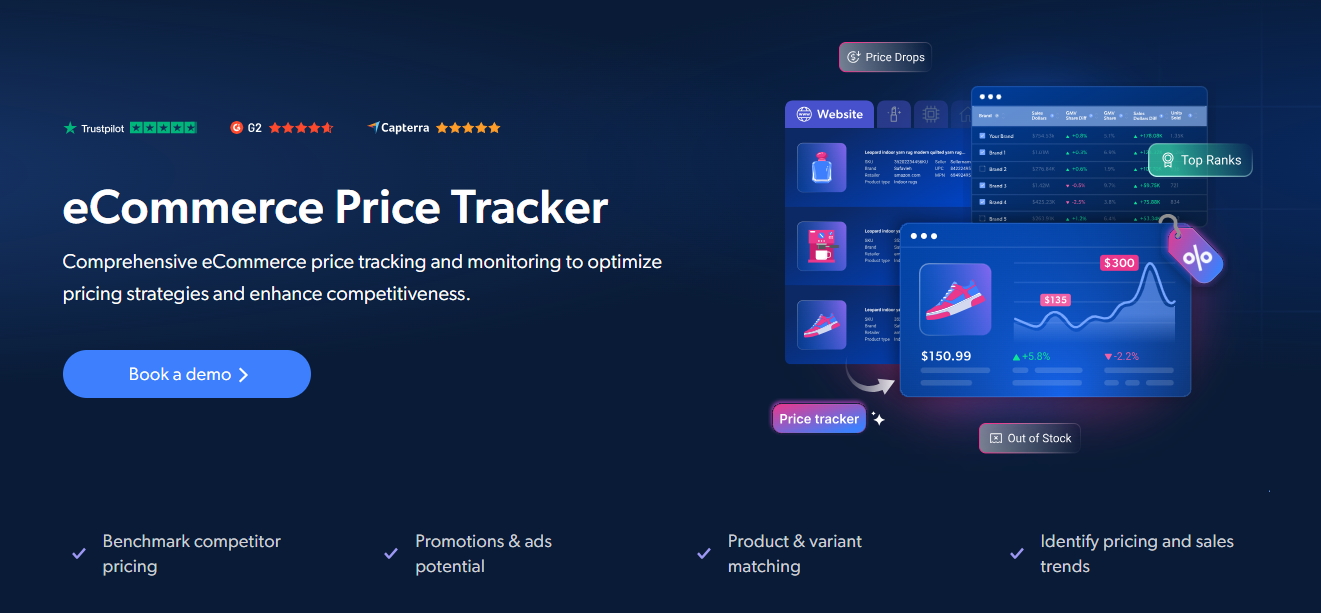
Real-time Subito price tracking - Italy's largest online classifieds platform. Two ways to get started: a fully managed intelligence platform or a custom scraper built with Bright Data's AI Scraper Builder.
Bright Insights is Bright Data's fully managed retail intelligence platform. No scrapers to build, no infrastructure to maintain - just structured, analysis-ready price data delivered to dashboards, data feeds, or your BI tools.
Why teams choose Bright Insights:
- 🚀 Zero setup - Go live in minutes with ready-to-use dashboards and data feeds
- 🤖 AI-powered recommendations - A conversational AI assistant turns millions of data points into actionable insights instantly
- ⚡ Real-time monitoring - Hourly to daily refresh rates with instant alerts (email, Slack, webhook)
- 🌍 Unlimited scale - Any website, any geography, any refresh frequency
- 🔗 Plug-and-play integrations - AWS, GCP, Databricks, Snowflake, and more
- 🛡️ Fully managed - Bright Data handles schema changes, site updates, and data quality automatically
Key use cases:
- ✅ Monitor Subito prices across all product categories
- ✅ Track stock levels and availability in real time
- ✅ Set up price alerts for products you care about
- ✅ Monitor MAP policy compliance and detect pricing violations
- ✅ Track competitor promotions and promotional dynamics
- ✅ Feed clean, harmonized data directly into dynamic pricing algorithms or AI models
Starting from $250/month - Get a tailored quote →
No pre-built Subito scraper API? No problem. Bright Data's AI Scraper Builder generates a custom Subito scraper in just a few clicks — no coding required.
Open the Subito AI Scraper Builder →
Choose the domain, outline your data requirements, and let our AI scraper builder automatically create the API.
- Describe data needs in plain English
- AI instantly generates the scraper API
- Run API requests for immediate results
- Edit the code in the built-in IDE, if needed
Once built, your scraper gets a Web Scraper ID (gd_xxxxxxxxxxxx) — copy it for the Setup step below.
- Python 3.9 or higher
- A Bright Data account (free trial available)
- A Bright Data API token (how to get one)
- A Web Scraper ID for Subito (from the build step above)
-
Clone this repository
git clone https://github.com/luminati-io/subito-price-tracker.git cd subito-price-tracker -
Install dependencies
pip install -r requirements.txt
-
Configure credentials
Copy
.env.exampleto.envand fill in your values:cp .env.example .env
BRIGHTDATA_API_TOKEN=your_api_token_here
BRIGHTDATA_DATASET_ID=your_dataset_id_here
Your Web Scraper ID Paste the Web Scraper ID from your AI Scraper Builder dashboard into
BRIGHTDATA_DATASET_ID(format:gd_xxxxxxxxxxxx).
Once your Subito scraper is built and your Web Scraper ID is configured in .env, the Python interface works the same way:
Pass a list of Subito product URLs to retrieve structured price data:
from price_tracker import track_prices

urls = [
    "https://www.subito.it/product/sample-item-123456",
    # Add more product URLs here
]

results = track_prices(urls)
for item in results:
    print(f"{item.get('title')} - {item.get('final_price', item.get('price'))} {item.get('currency', '')}")
Or run directly:
python price_tracker.pyFind products matching a keyword search:
from price_tracker import discover_by_keyword

results = discover_by_keyword("laptop", limit=50)Collect all products from a Subito category page:
from price_tracker import discover_by_category

results = discover_by_category(
    "https://subito.it/category/example",
    limit=100,
)Each result record contains the following fields:
| Field | Description |
|---|---|
url |
Product page URL |
title |
Product name / title |
brand |
Brand or manufacturer |
initial_price |
Original / list price |
final_price |
Current selling price |
currency |
Currency code (e.g. USD, EUR) |
discount |
Discount amount or percentage |
in_stock |
Whether the item is available |
rating |
Average star rating |
reviews_count |
Total number of reviews |
seller_name |
Name of the seller |
images |
Array of product image URLs |
description |
Product description text |
timestamp |
Data collection timestamp |
[
  {
    "url": "https://www.subito.it/product/sample-item-123456",
    "title": "Example Product Name",
    "brand": "Example Brand",
    "initial_price": 59.99,
    "final_price": 44.99,
    "currency": "USD",
    "discount": "25%",
    "in_stock": true,
    "rating": 4.5,
    "reviews_count": 1234,
    "images": ["https://subito.it/images/product1.jpg"],
    "description": "Product description text...",
    "timestamp": "2025-01-15T10:30:00Z"
  }
]The trigger_collection() function accepts optional parameters to control data collection:
| Parameter | Type | Default | Description |
|---|---|---|---|
limit |
integer | - | Maximum number of records to return |
include_errors |
boolean | true |
Include error reports in results |
notify |
string (URL) | - | Webhook URL to call when the snapshot is ready |
format |
string | json |
Output format: json, csv, or ndjson |
Example with options:
from price_tracker import trigger_collection, get_results

inputs = [{"url": "https://www.subito.it/product/sample-item-123456"}]
snapshot_id = trigger_collection(inputs, limit=200, notify="https://your-webhook.com/hook")
results = get_results(snapshot_id)- 🌟 Subito Price Tracker - Bright Insights (Managed)
- 🏗️ Build a Subito Scraper
- 📖 Bright Data Web Scraper API Documentation
- 🗄️ Web Scrapers Control Panel
- 🔑 How to get an API token
- 🌐 Bright Data Homepage
Built with Bright Data - the industry-leading web data platform.