
Free to understand, free to act.
A self-hosted, open-source financial portfolio tracker.





Bring all your investments into one private, secure dashboard. Track stocks, ETFs, crypto, bonds, and loans across multiple brokers — with automated pricing, FX conversion, and technical analysis tools.
Your data stays on your server. No third-party cloud. No tracking.
📚 Full Documentation: https://librefolio.github.io/LibreFolio/
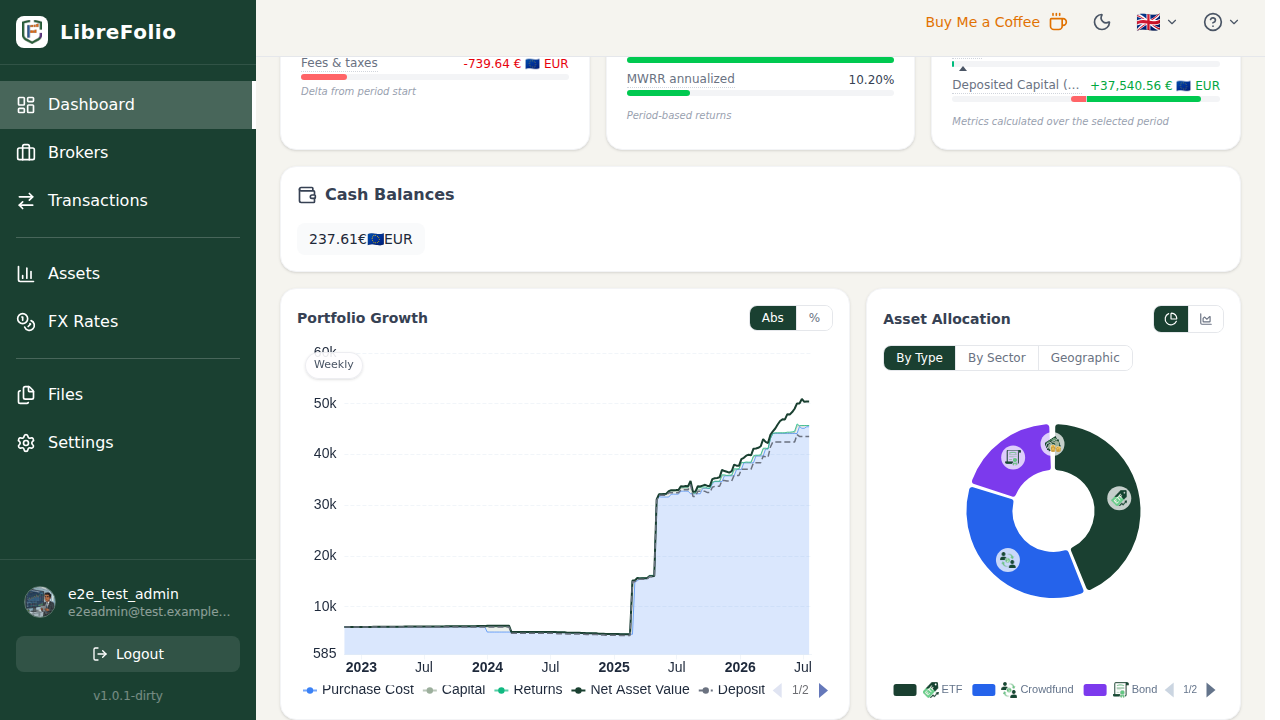
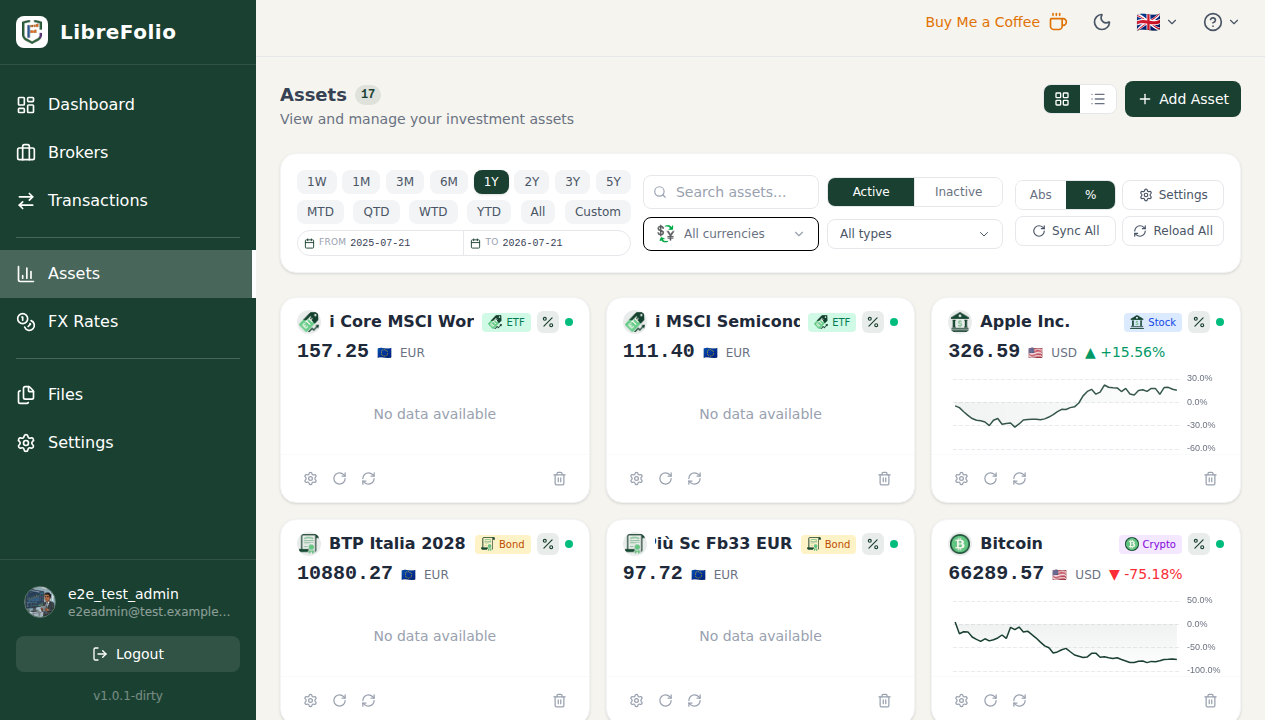
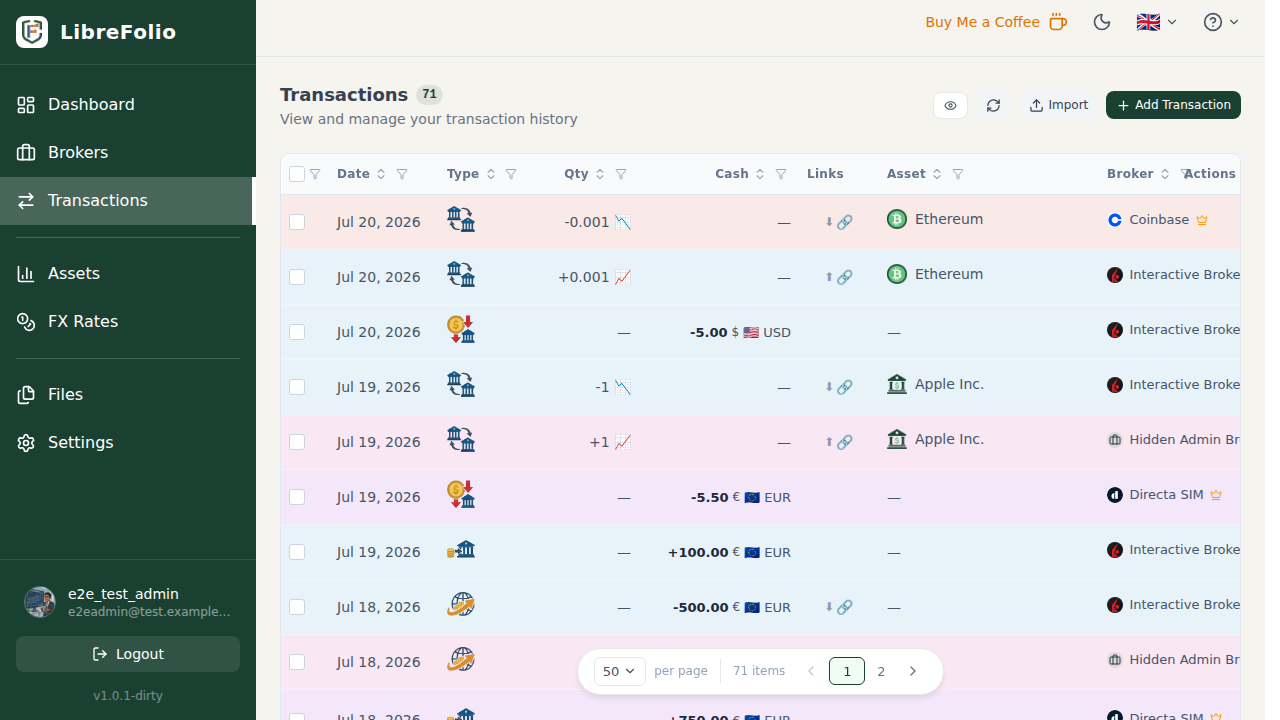
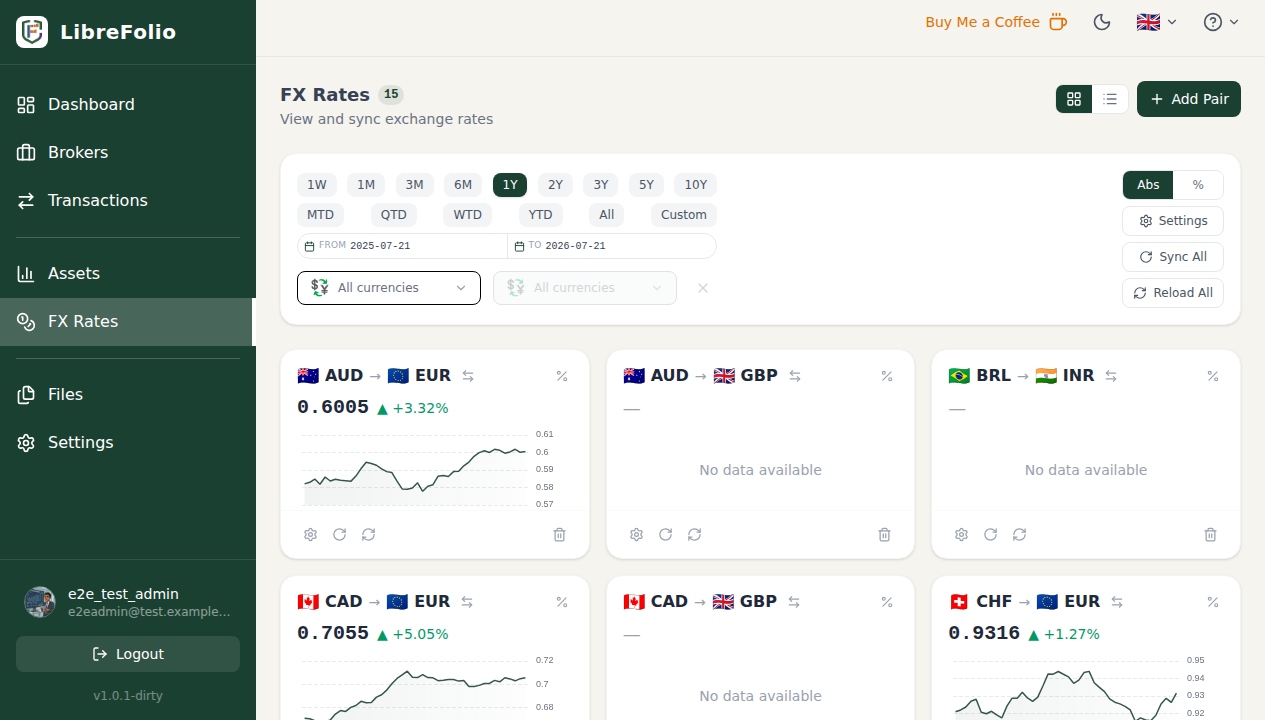
LibreFolio is built to solve common issues found in existing portfolio tracking tools:
- 🔒 Verifiable Security & Privacy: Your financial data belongs to you. Since LibreFolio is fully open-source, its code is auditable by anyone, ensuring complete transparency with no hidden tracking, telemetries, or silent data collection.
- 🧮 Open & Transparent Calculations: Traditional trackers use black-box formulas. LibreFolio calculates cost basis (FIFO and WAC) and ROI (TWRR and MWRR) at runtime with completely open-source, verifiable formulas.
- 🏦 Broad Broker & Data Integration: Easily import statement files from a wide range of supported brokers and keep your assets updated with price quotes from various market data providers and forex rates sources.
- 🤖 AI-Assisted Portfolio Analysis: Export your anonymized portfolio data to leverage AI models for custom performance analysis, risk assessments, and allocation insights. This is a core focus area of our roadmap and will be continuously enhanced.
If you want to follow the development and get notified about new features, updates, and releases, set up an alert in 10 seconds:
- Scroll to the top of this page.
- Click the Watch button (top right).
- Select Custom in the dropdown menu.
- Check Releases and click Apply.
You will receive an automatic notification directly on GitHub whenever a new version is released!
🐳 Docker Installation (Recommended for Users)
Run LibreFolio using the official pre-built image. No development tools or compilers required.
Prerequisites: Docker & Docker Compose installed.
-
Create a project directory:
mkdir librefolio && cd librefolio
-
Download the configuration files:
# Using curl:
curl -L https://raw.githubusercontent.com/Librefolio/LibreFolio/main/docker-compose.prod.yml -o docker-compose.yml
curl -L https://raw.githubusercontent.com/Librefolio/LibreFolio/main/.env.example -o .env

# Or using wget:
wget https://raw.githubusercontent.com/Librefolio/LibreFolio/main/docker-compose.prod.yml -O docker-compose.yml
wget https://raw.githubusercontent.com/Librefolio/LibreFolio/main/.env.example -o .env
-
Start the application:
docker compose up -d
Access: http://localhost:6040. The first registered user automatically becomes the administrator.
For complete guide, auto-updates (Watchtower), and backups, see the 🐳 User Installation Manual.
💻 Host Installation (Local Development)
Prerequisites: Python 3.13+, Pipenv, Node.js 24+
git clone https://github.com/Librefolio/LibreFolio.git
cd LibreFolio

pipenv install --dev
pipenv shell

./dev.py install        # Install all dependencies (backend + frontend)
cp .env.example .env    # Configure environment
./dev.py db upgrade     # Run database migrations
./dev.py server         # Start development server
Access: http://localhost:6040 — API Docs: http://localhost:6040/api/v1/docs
./dev.py --help shows all available commands.
For full host setup and administration details, see the 💻 Host Installation Guide and the Developer Workflow.
🏗️ Advanced Docker (Build from Source)
Build your own custom Docker image from the source code.
Prerequisites: Python 3.13+, Pipenv, Node.js 24+, and Docker.
git clone https://github.com/Librefolio/LibreFolio.git
cd LibreFolio

cp .env.example .env       # Configure environment
./dev.py docker build      # Build custom image (builds frontend + docs)
docker compose up -d       # Start container
Access: http://localhost:6040
For advanced deployment options, reverse proxy configurations, and test mode, see the 🏗️ Advanced Docker Guide.
LibreFolio values every form of contribution equally — code, ideas, and donations all drive the project forward.
- New Plugins — LibreFolio uses a Registry & Plugin System with three plugin types:
- 📥 BRIM Plugins — Import from a new broker (CSV/Excel). See 🏦 Supported Brokers for the list of already supported brokers.
- 📈 Asset Plugins — Fetch prices from a new data source. See 📈 Supported Asset Providers for existing providers.
- 💱 FX Plugins — Add a new exchange rate provider. See 💱 Supported Forex Providers for existing providers.
- Chart Signal Plugins — New technical indicators and chart overlays
- UI/UX Ideas — Aesthetic improvements and design suggestions
- Bug Reports — Finding and reporting issues on GitHub Issues
- Fork the repository
- Create a branch for your feature or fix
- Submit a Pull Request with a clear description
See the Developer Manual for architecture, conventions, and testing guidelines.
LibreFolio is licensed under GNU Affero General Public License v3.0 (AGPL-3.0). You can use, modify, and distribute it freely — if you distribute modifications (including over a network), you must release your source under AGPL-3.0.
See LICENSE for the full text and the Credits & Legal page for details.
If LibreFolio helps you manage your investments, consider supporting its development:
⭐ Star on GitHub · 💡 Share Ideas · 🐛 Report Bugs