The arrows.app canvas, inside a VS Code tab. Open a .arrows file and you get the editor from arrows.app - drag nodes, draw relationships, edit inline. The underlying JSON stays in sync so your graph models can live in git next to the code that uses them.
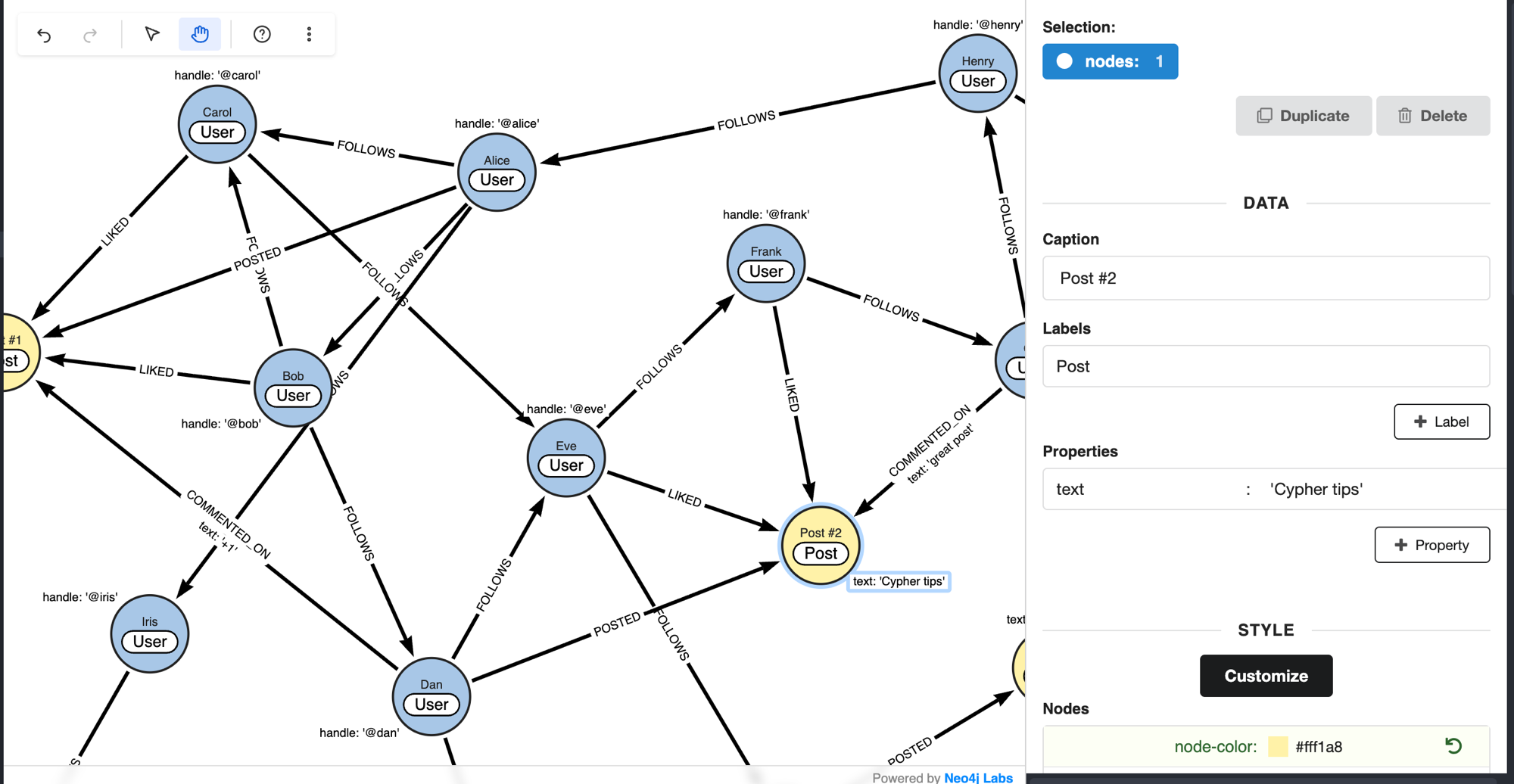
- Canvas editor for
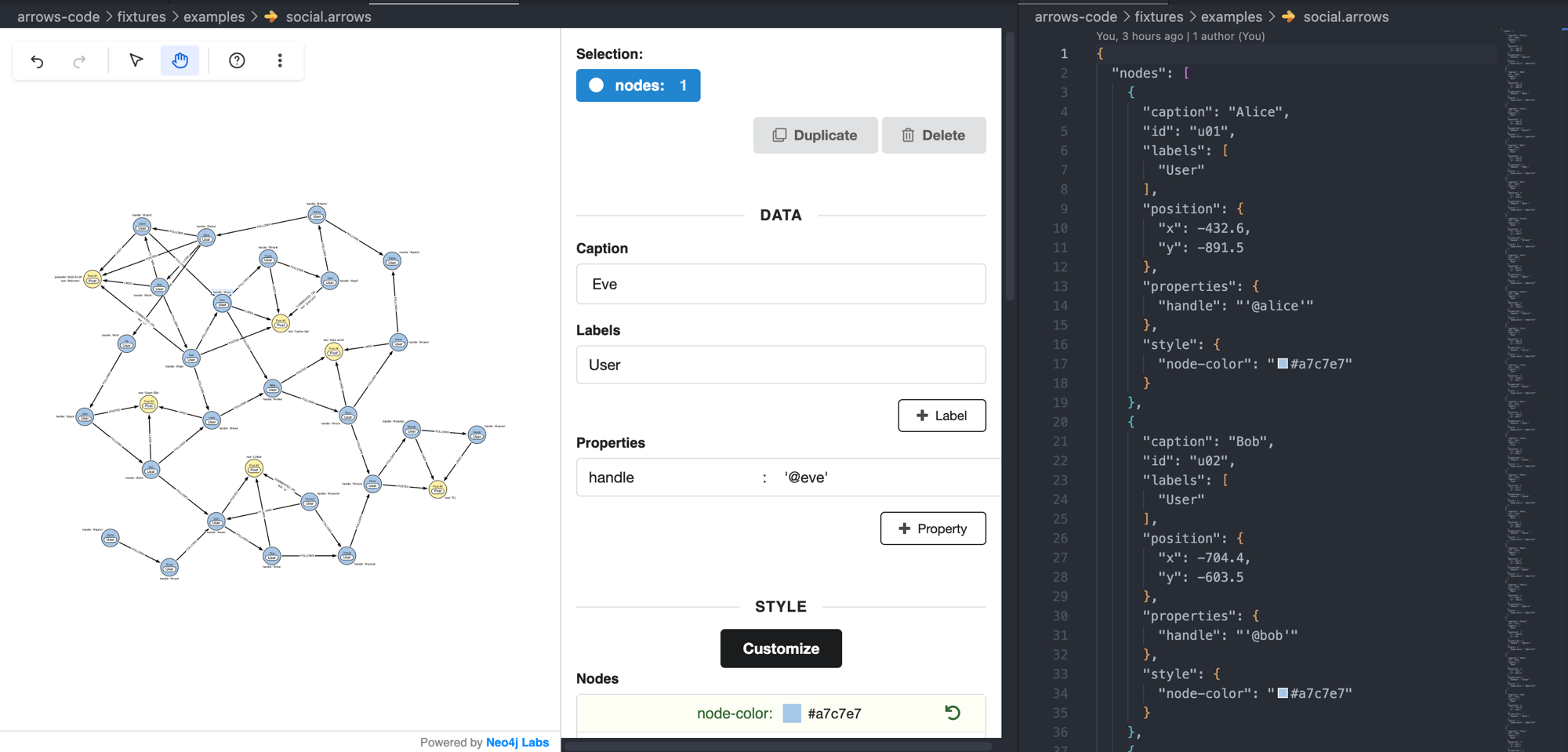
.arrowsfiles - Two-way sync between canvas and JSON (open both, edit either)
- Cypher and SVG export
- Validator that flags broken graphs in the Problems panel
- Project-wide rename for labels and relationship types
- Sidebar with your workspace's
.arrowsfiles plus six bundled examples
Or search for "Arrows" in the Extensions view.
Cmd+Shift+P → Arrows: New graph. The canvas opens. From there:
- Drag from a node's ring to draw a relationship.
- Double-click empty space to add a node.
- Right-click anything for the relevant menu.
Arrows: Show JSON side by sideto see the underlying file.
Press ? inside the canvas to see all shortcuts.
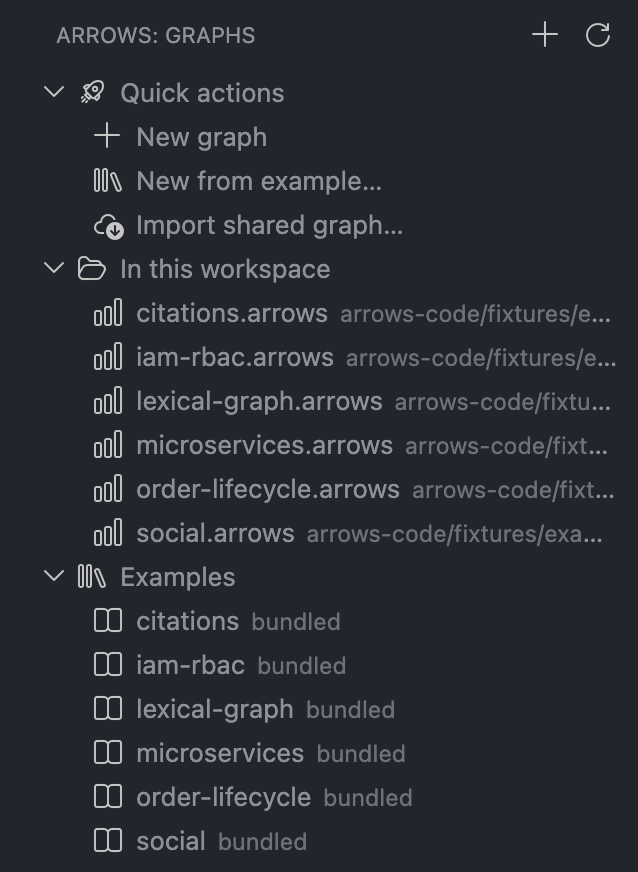
| Example | Layout |
|---|---|
| social | Force-directed |
| iam-rbac | Hierarchical |
| microservices | Hierarchical |
| lexical-graph (GraphRAG) | Radial |
| order-lifecycle | Circular |
| citations | Grid |
Labels are PascalCase, relationship types SCREAMING_SNAKE_CASE, properties camelCase. Cypher you export uses the same conventions Neo4j docs use.
Plain JSON, same format arrows.app uses. Files open in either tool.
Does it require internet connection? No. It's local.
Does it round-trip with arrows.app? Yes - same format.
Google Drive? No. This treats .arrows as workspace files. Use the web app for Drive.
github.com/neo4j-labs/arrows.app/issues - please include your VS Code version, OS, and a small repro.
Apache-2.0.