Install
Install [generate][] and {%= name %}:
$ npm install --global generate {%= name %}Generate a .gitignore
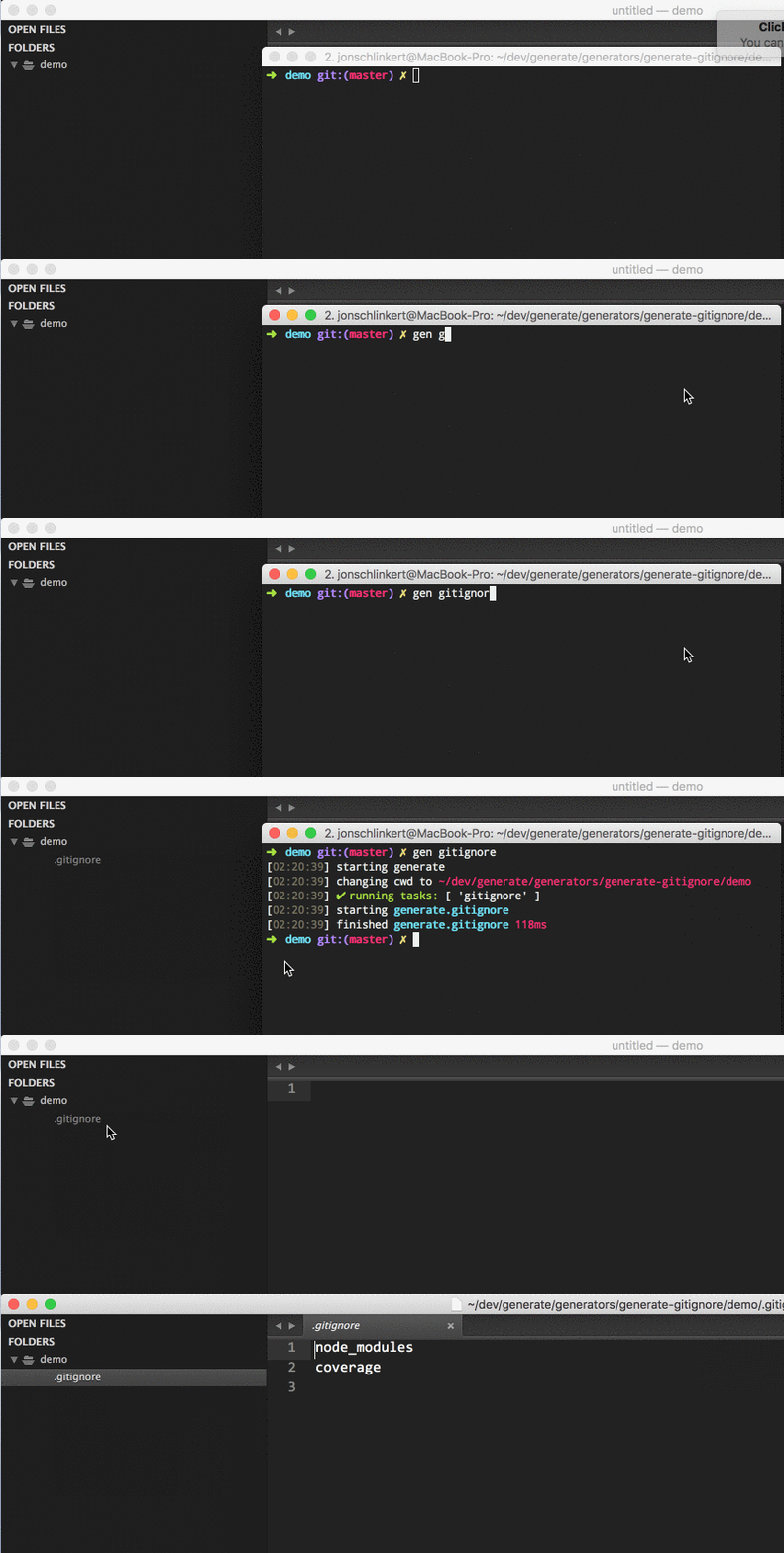
Initiate a prompt to generate a .gitignore file in the current working directory:
$ gen {%= alias %}Customization
Add a custom template with the same as the .gitignore template you want to use to the ~/templates directory on your system, and this generator will automatically use it.
For example, add a Node.gitignore template to override the .gitignore template that's used when $ gen gitignore:node is run.
{{#block "tasks"}}
All of the local and global .gitignore templates from github/gitignore are available.
The following tasks will prompt you to choose the file to generate. {%= increaseHeadings(apidocs("generator.js")) %}
The following local .gitignore files are available.
{%= increaseHeadings(apidocs("generators/gitignore.js")) %}
To use a global .gitignore file, you'll need to first set the core.excludesFile configuration value to point to the .gitignore file you want to use.
You can do this now with the following command:
$ git config --global core.excludesfile '~/.gitignore'Otherwise all global gitignore files are saved to ~/.gitignore.
Available files
The following global .gitignore files are available.
{%= increaseHeadings(apidocs("generators/gitignore-global.js")) %}
{{/block}}
{{#block "history"}} {%= changelog("CHANGELOG.md") %} {{/block}}