中文 | English
AutoCython: Batch Compile Python Files to PYD / SO Files with One Click

- Single-file/Multi-file batch compilation
- Cross-platform support (Windows/Linux/MacOS)
- Clean command-line interface
pip install -U AutoCython-jianjun- Windows: Visual Studio
- Linux: gcc & g++
Important: Compiler architecture must match Python interpreter (64-bit Python requires 64-bit compiler)
For other compiler configurations, refer to Cython project
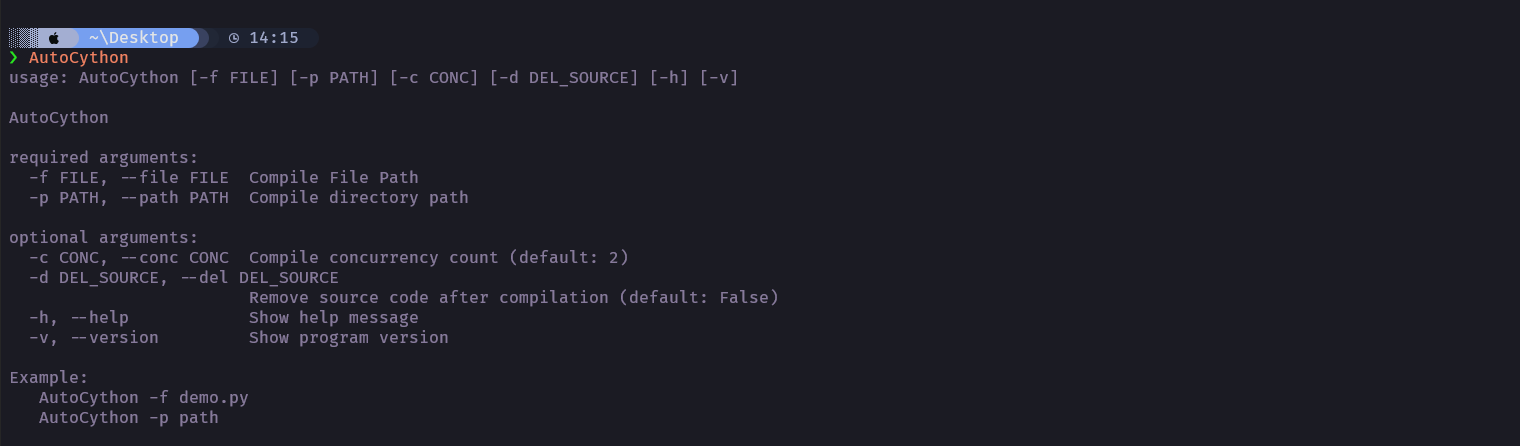
# Compile single file
AutoCython -f test.py

# Compile entire directory
AutoCython -p D:/python_code/ProjectPath

# Delete source after compilation (disabled by default)
AutoCython -d True -f test.py
AutoCython -d True -p D:/python_code/ProjectPath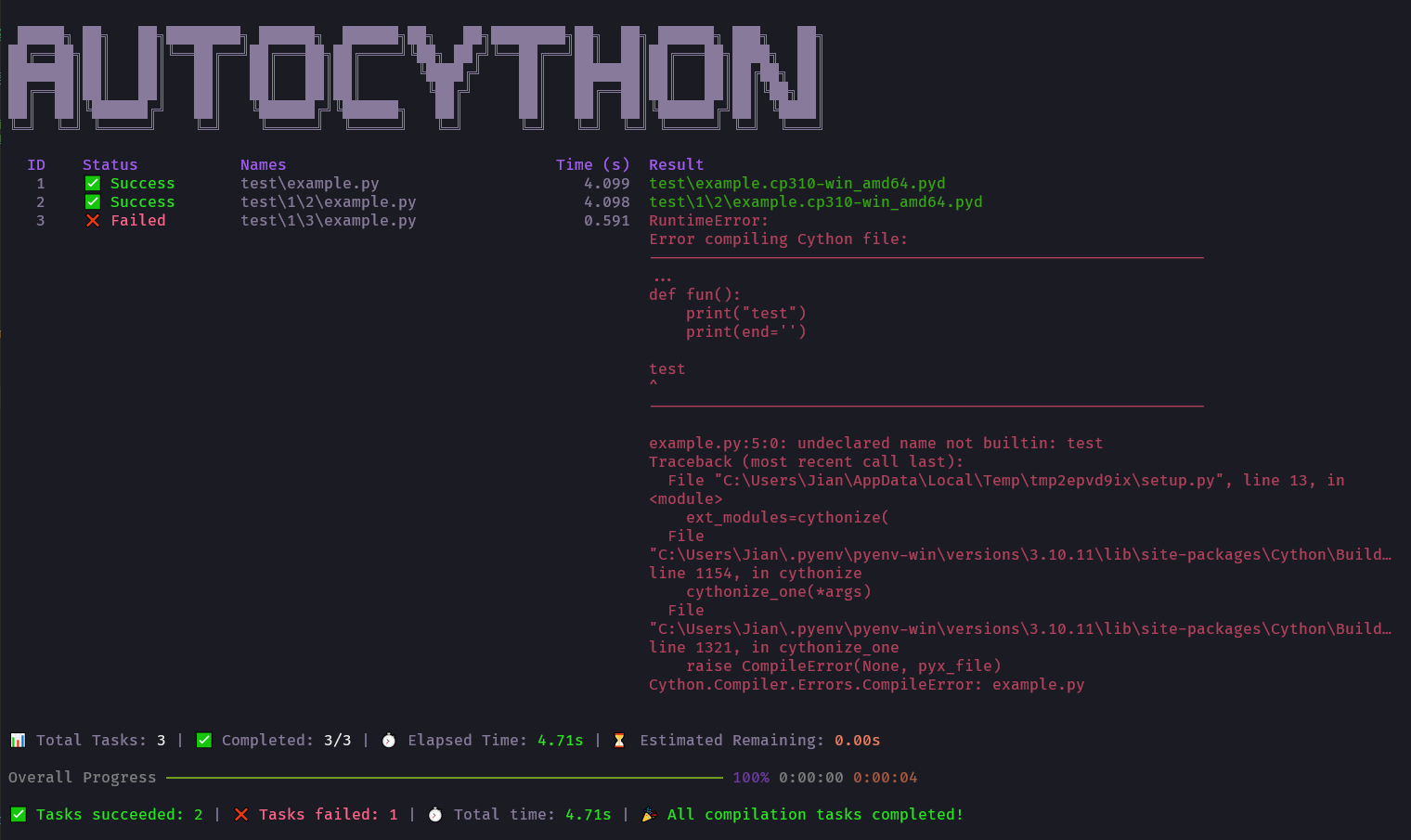
Add the AutoCython No Compile declaration to any of the first two lines at the top of the file:
# AutoCython No Compile
# This file will be skipped during compilationTypically caused by Cython-unsupported statements or invalid filenames. Consult Cython Wiki official documentation or submit an Issue.
- 20250609 release V2.0.0: Codebase refactored with new UI (insecure version)
- 20250623 release V2.1.0: Disables aggressive performance optimization options. Display system information.
- 20260323 release V2.1.1 Fixed a typo in the
AutoCython No Compiledeclaration.
- 20220613: Added Linux support (requires gcc & g++ configuration)
- 20221123: Added manual file exclusion via file header comments
- 20230306: Added CLI header specification (e.g.,
Python310) for non-Windows compilation - 20230324: Documentation updates
- 20240506: Fixed issue with
__init__.pyrestoration after failed compilation